One wardrobe.
Every pose.
One grid.
Ask for one image and you get one opinion. Wardrobe Gone Wild styles your outfit many times across the fleet, a different pose and model each, laid out as one grid, so you choose the look instead of re-rolling. Send any result back as an edit reference. Every picture is generated by AI. No photograph is real.
the same four women, everyday clothes restyled to fitted athleisure
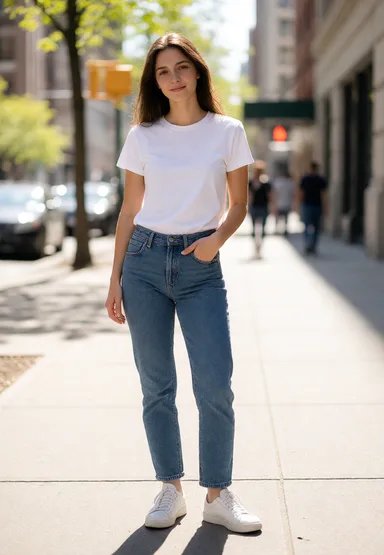 everyday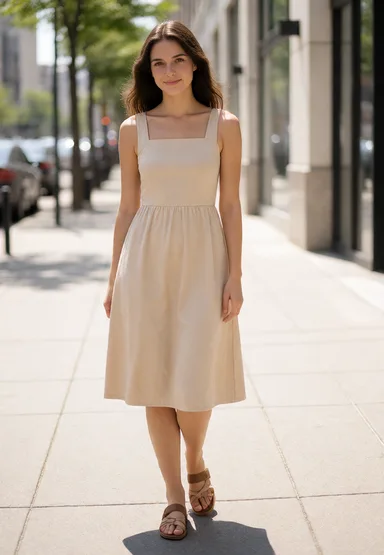
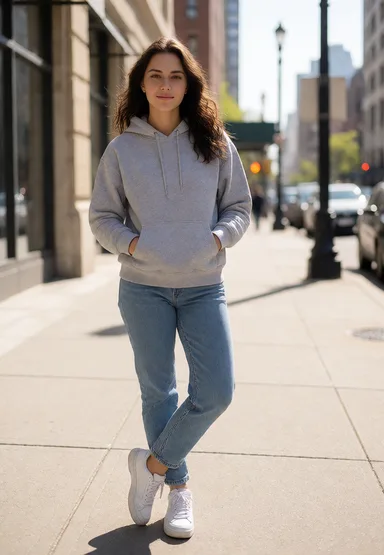
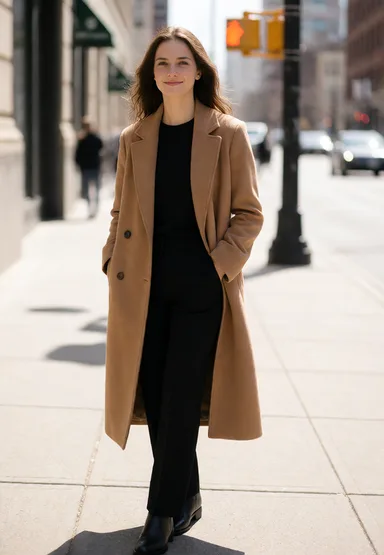
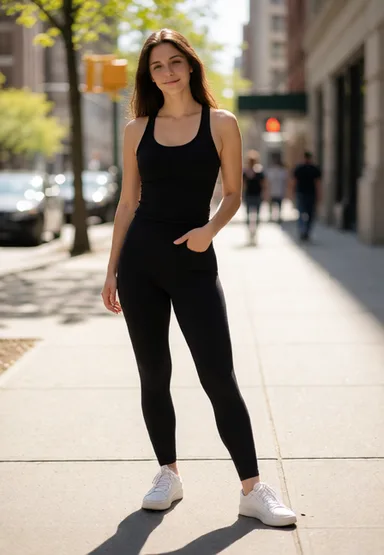 restyled
 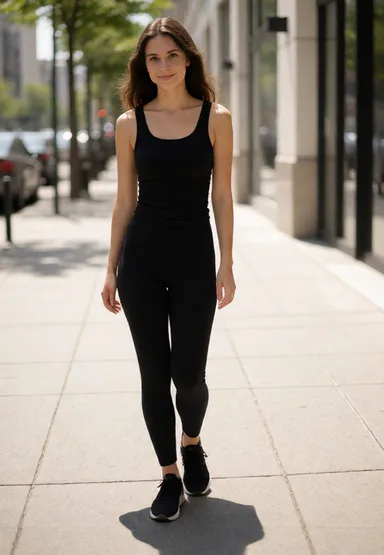 +2 more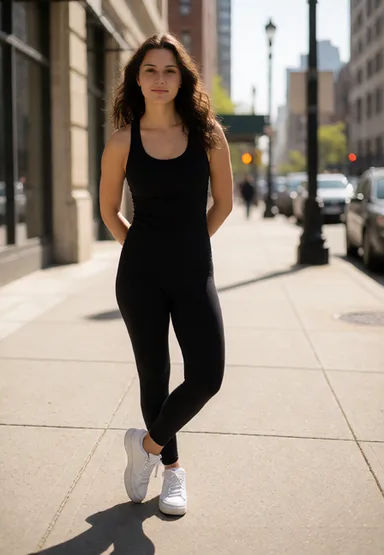
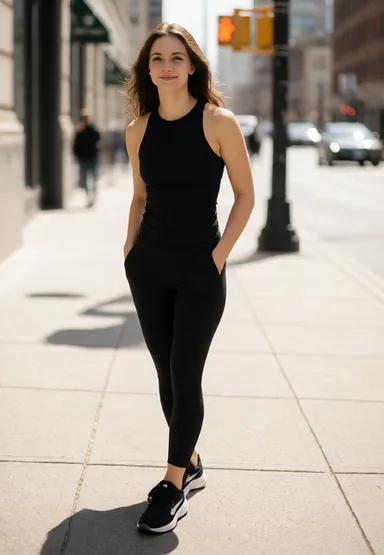
Approving a look
takes many poses,
not one photo.
Consumer tools
1 image at a time
describe, wait, repeat
One result per run, behind a shared queue. Reviewing an outfit means dozens of manual round trips, and a day of iteration produces a handful of usable looks.
Cloud APIs
per image pricing
plus a parallel-request cap
Per-image pricing adds up at exploration volume, and rate limits cap how many render at once. Check the current rate with your provider.
Wardrobe Gone Wild
$0.01 / image
$10 for 1,000 images
One outfit description renders across many GPUs at once. Pro is $10 a month for 1,000 images: $0.01 each if you use the allowance, $0.020 each at 500 images a month. Either way it is a flat monthly bill, not a meter.
Built to render in bulk.
Parallel
your batch renders at once
A batch spreads across many GPUs the moment you submit it. Images arrive as each one finishes, not at the end.
Seconds
for a draft image
A draft image lands in seconds on a free GPU. Larger sizes and more steps take longer; the studio shows an estimate before you submit.
Owned + cloud
capacity that grows with demand
Our own GPU fleet carries the base load, and cloud GPUs join when the queue grows. Fast when it is quiet, still moving when it is busy.
Time per image scales with the size and the number of steps you choose.
Describe. Fan out. Pick.
Describe
Describe one outfit in the studio or through the API. Pick the size, the quality, how many poses you want, and any skills to apply, such as identity-preserving editing.
Fan out
The scheduler spreads the batch over every free rig. Each rig renders one pose on its own seed, and the rest queue behind them, so looks arrive steadily rather than all at the end.
Pick and iterate
Review the looks as a grid and keep what works. Send any result back as an edit reference, describe the change, and the fleet renders the next round.
What's included.
Poses at Scale
One outfit description goes to the fleet as up to 50 renders at once, a different pose and model each, and comes back as one grid. The looks share the same description, so you pick the strongest instead of re-running it all afternoon.
Styles and Skills
Style adapters change how the fleet renders a look, applied per batch with no training step. Identity-preserving editing has shipped; more skills are in development.
Edit with Reference
Send any look back as a reference and describe the change. The fleet renders poses of the edit the same way it renders poses of an outfit.
"a black cropped athletic set with white sneakers, city sidewalk" — one outfit, one seed, four styles.
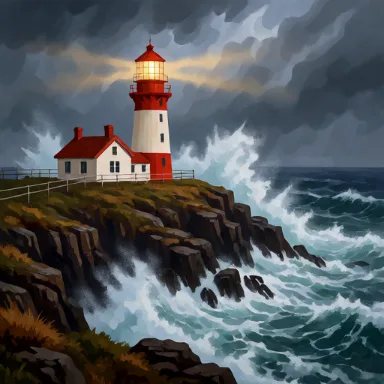
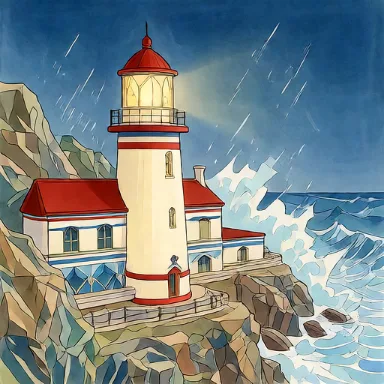
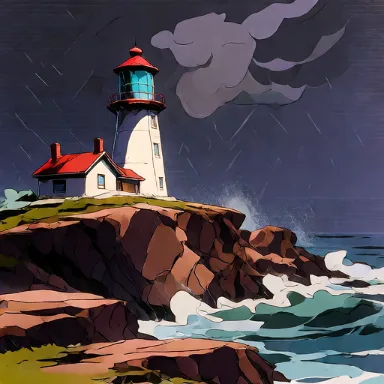
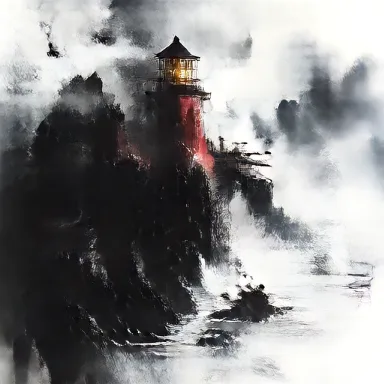
One credit is one image.
No GPU-hour math.
Free
Try the fleet. No credit card.
- 20 images / month
- 3 edits of your own photos / month
- One image at a time
- Every pose, one style
- Results kept for 7 days
Pro
For regular work.
- 1,000 images / month
- $0.01 per image
- Edit your own photos: reference images and identity edits
- Up to 5 images per batch
- Every pose, every style, every skill
- Results kept for 7 days
- 50x the free volume
Card payment is not open yet. The free 20 images a month run on the same fleet.
Every plan renders print size at 4 credits: 163 to 206 mm wide at 300 dpi, in your shape.
20 images free. Every month.
No credit card. Create an account, describe one outfit, and review your first grid of poses in minutes.
Join r/wardrobeGW